Stock and inventory — one count for the shop and online

Counter sales and website orders come out of the same stock. Purchases add stock and update the average cost — so the profit on every product is right.

No card needed Website live in 1 minute Runs on your phone

From BDT 499 a month · first 30 days free · no card needed · All plan prices
sellpunch.com
Stock & inventory — SellPunch
What you get

Stock & inventory with SellPunch

Sizes and colours (variants)

M/L/XL or red/blue — each with its own price, stock and barcode.

Barcode stickers

Print stickers, put them on products and scan to sell at the POS.

Purchase book

What you bought from which supplier at what price — stock goes up and supplier dues are tracked.

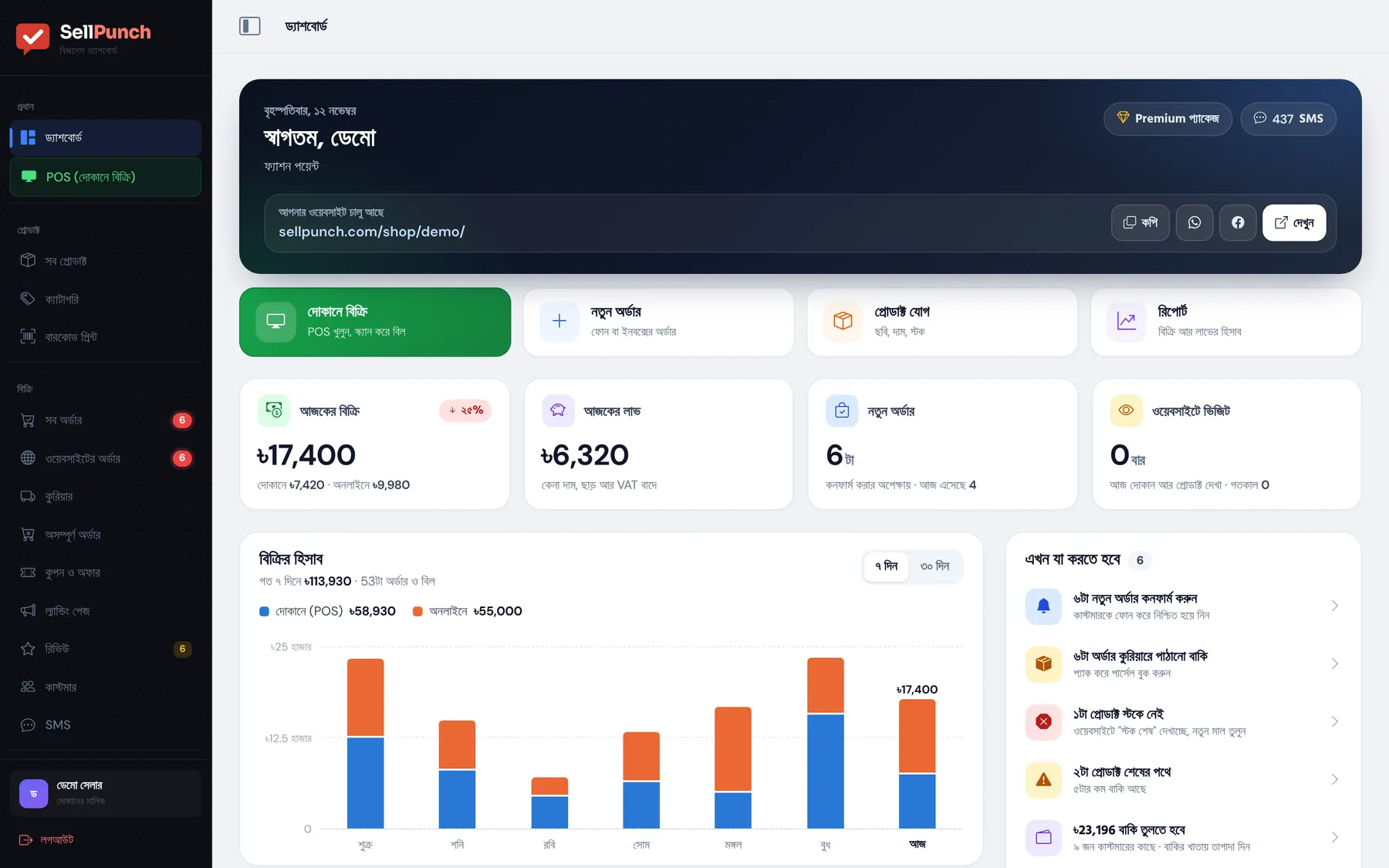
One stock for shop and online

POS and website share stock; sold-out items show "out of stock" online.

Returns back to stock

Cancelled or returned items are added back automatically.

Everything in Excel

Download products, stock and purchases to Excel any time.

How to start

Start in 1 minute, take your first order today

1

Enter your shop name and address

Shop name, the web address you want, mobile number and password — your website is live in 1 minute.

2

Add products and your logo

Photo, price, stock; sizes and colours too. Add a banner to make it shine.

3

Share the link and start selling

Post the link on your Facebook page, open the POS in your shop — orders land in your dashboard.

FAQ

Questions people ask

Are inventory and POS separate?

Not in SellPunch — POS sales, website orders and purchases all use the same stock.

How many products can I add?

200 on Basic, 1,000 on Standard and unlimited on Premium.

Can I add my existing stock?

Yes, import many products at once from a CSV file, or add each in about a minute.

Can I track supplier dues?

Yes. Enter what you paid when buying and the rest stays on the supplier account until you pay.

Open your shop today

Your website is live in 1 minute. 30 days free, no card — if you do not like it, do nothing.